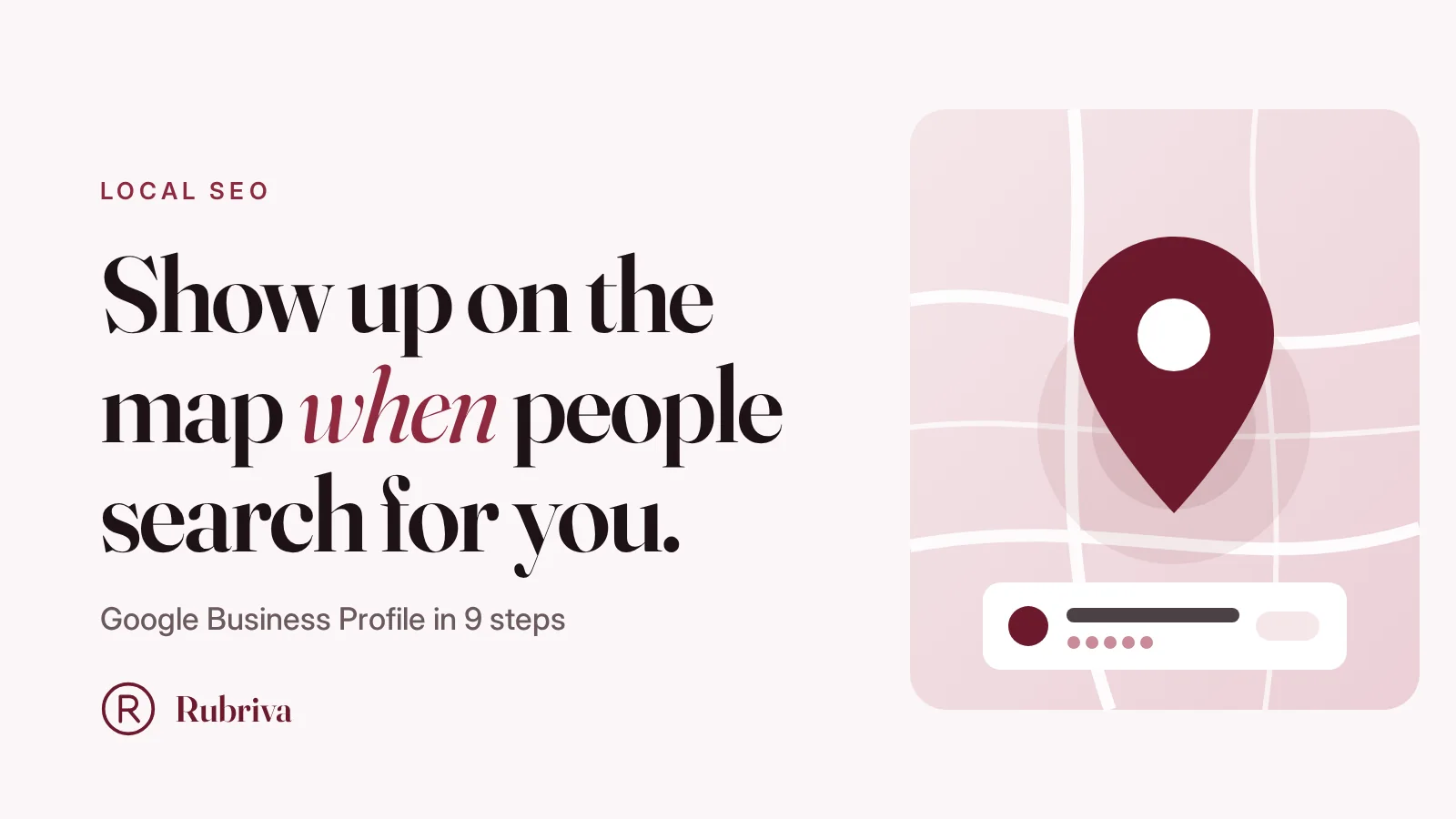
When someone searches for “hairdresser in Braga” or “plumber near me”, the first thing they see isn't a list of websites: it's a map with three businesses. Being in that group is worth more than any ad, because it appears at the exact moment the person is deciding.
What decides who appears there is Google Business Profile (formerly Google My Business). It's free, takes an afternoon to set up properly and, for many small businesses, it's the marketing tool with the best return.
Google explains that local results depend on three factors: relevance, distance and prominence. You can't control distance. The other two you can, and that's where these 9 steps come in.
1. Claim and verify your profile
Search for your business name on Google Maps. If a profile already exists (sometimes created automatically), claim it; if not, create one at business.google.com. Verification can be done by video, phone or postcard. Without verification, nothing else counts.
2. Choose your primary category carefully
This is the strongest relevance factor. Choose the most specific category that describes what you do: “Dental clinic” is better than “Clinic”, “Pizza restaurant” is better than “Restaurant”. Then add secondary categories for your other services.
3. Use your real business name
The name should match your shopfront and your invoices. Adding keywords to the name (“Roma Pizzeria – Best Pizza in Lisbon”) breaks Google's rules and can get your profile suspended.
4. Fill in everything: hours, services and description
- Opening hours, including bank holidays and special hours. A customer who finds the door closed at the advertised time won't come back.
- Services or products, with a one-line description and, where it makes sense, the price.
- Description of up to 750 characters: what you do, for whom and where. Write for people, not for the algorithm.
- Attributes: accessibility, Wi-Fi, parking, card payments.
5. Publish real photos (and keep them up to date)
Your shopfront, interior, team and finished work. Photos help customers recognise the place and trust you. Avoid stock images: people can tell. A simple rule: add 2 or 3 new photos a month.
6. Ask every happy customer for a review
Reviews are at the heart of prominence. Asking works best when it's part of your routine:
- Generate the short review link in your profile.
- Send it by text or email right after the service, with a personal line.
- Put a QR code on the counter or on your receipts.
Don't offer discounts in exchange for reviews or buy them: it's against Google's rules and consumer protection law.
7. Reply to every review
Thank people for positive reviews by name and with a specific detail. With negative ones, reply calmly, acknowledge the problem and offer a solution outside Google (phone or email). The people reading your reply aren't just the unhappy customer: they're your next hundred customers.
8. Post once a week
Your profile lets you publish updates, offers and events. It doesn't have to be elaborate: a photo of recent work with two lines of text and a “Call” or “Learn more” button is enough to show the business is active.
9. Make sure your details match everywhere
Name, address and phone number should be exactly the same on your profile, your website, your social media and directories such as Páginas Amarelas or Racius. Conflicting details confuse Google and customers alike.
How long until you see results?
A complete profile usually starts gaining visibility within a few weeks, but prominence is built over months of reviews and posts. The good news is that most local competitors don't do half of these steps.
Want to know how your profile is doing? In our free audit we review your Google Business Profile, website and social media and send you 3 concrete improvements.